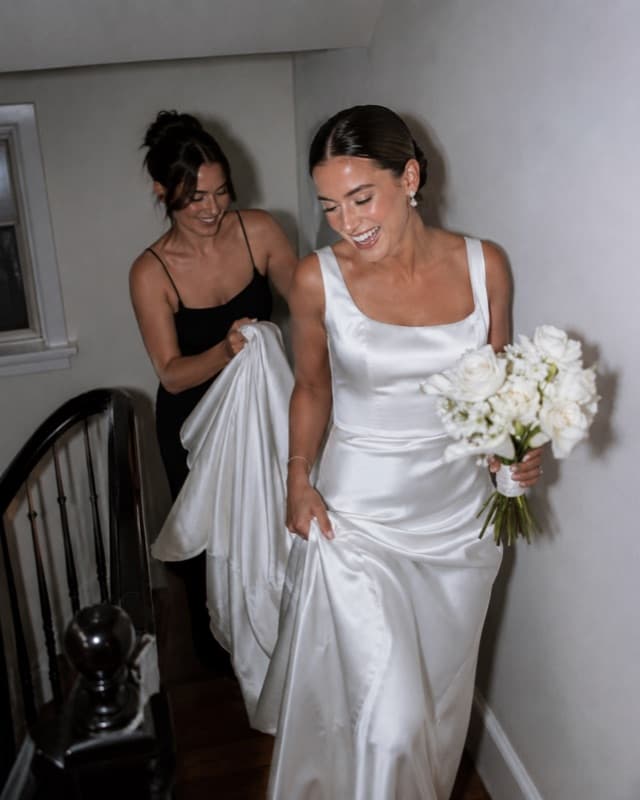
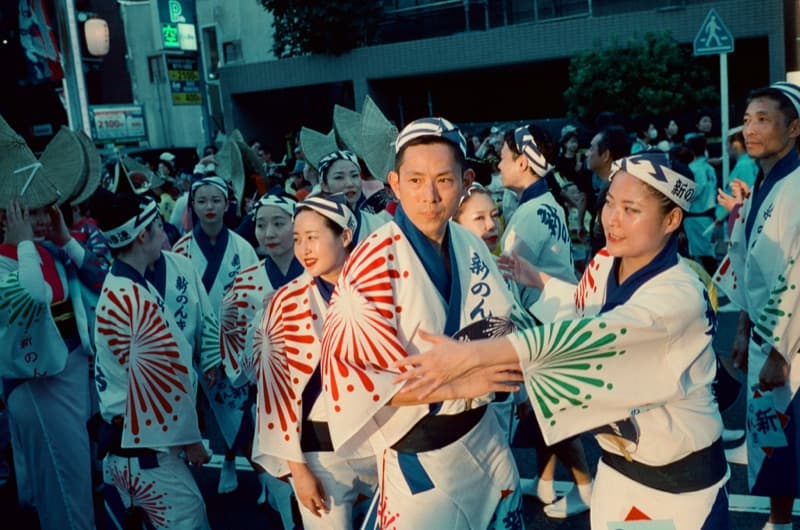
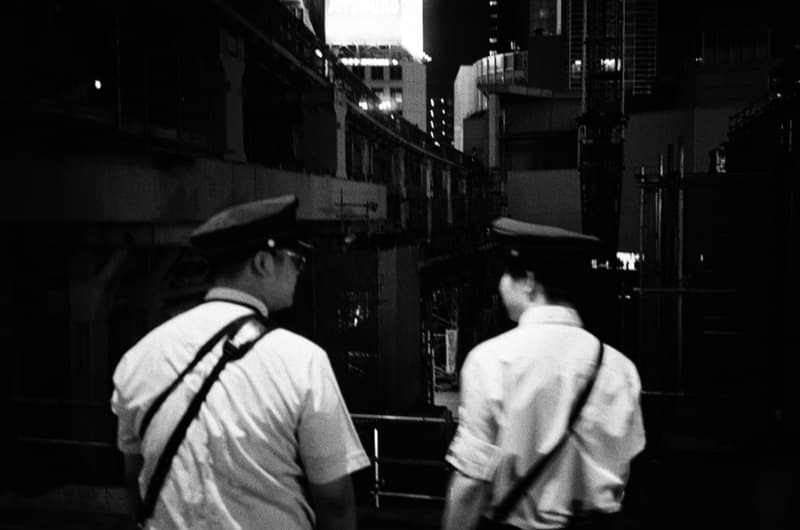
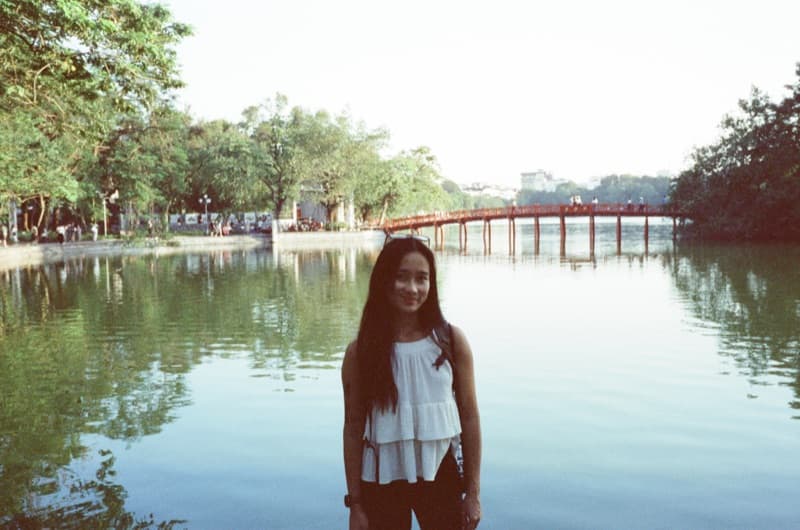
One event.
Every perspective.
Keep it forever.

Create a shared film for your event. Everyone captures the moment. All photos reveal together when the night ends.

How it works

From setup to reveal in four steps. No app downloads for guests, no chasing photos after the night ends.

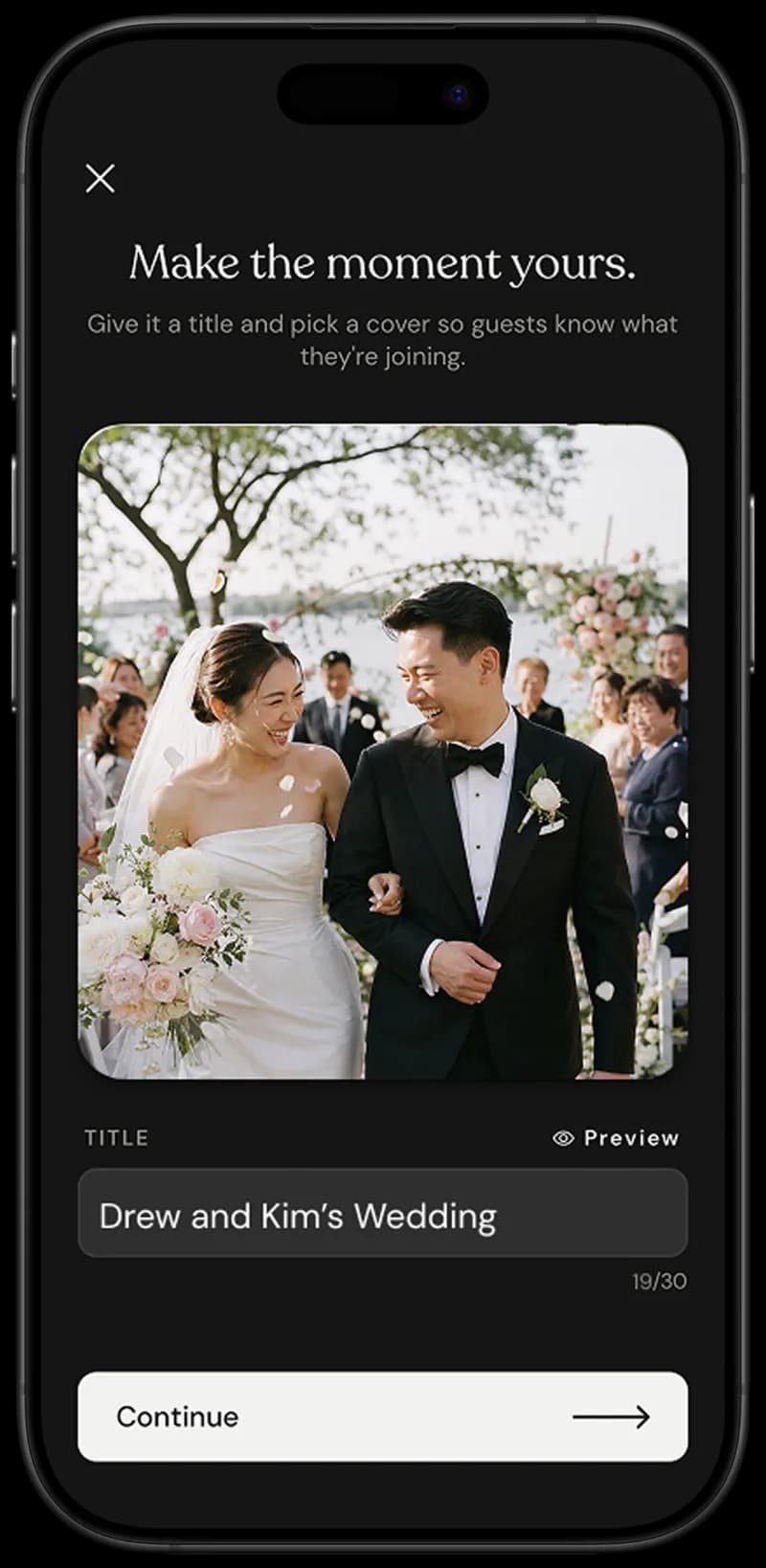
Kinto Create Event screen
01

Create Event

Set up your event in seconds. Choose how many shots guests can take and when photos reveal.
Kinto Share QR screen
02

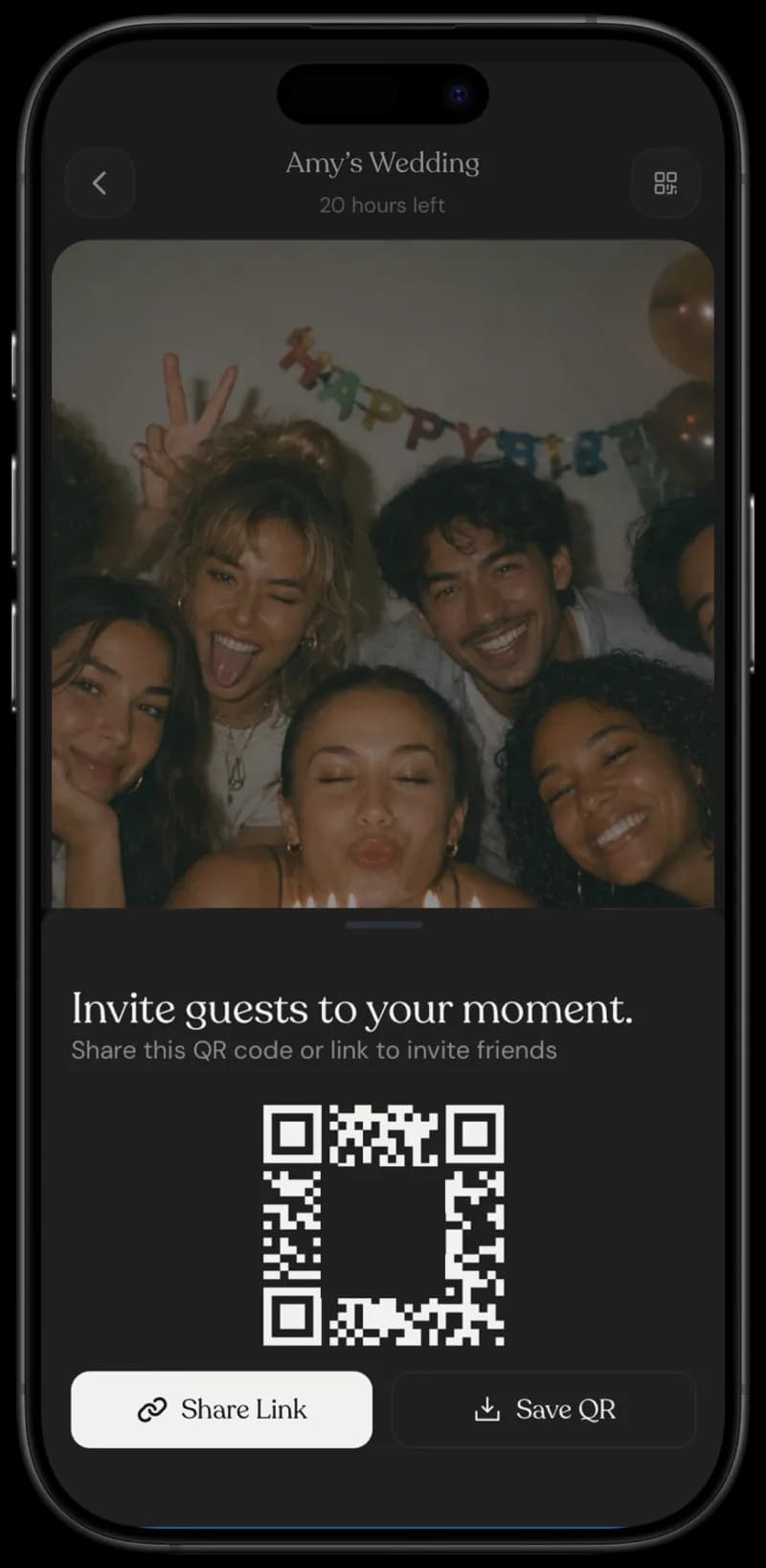
Share QR

Share a QR code with your guests. No app download required for them, just scan and snap.

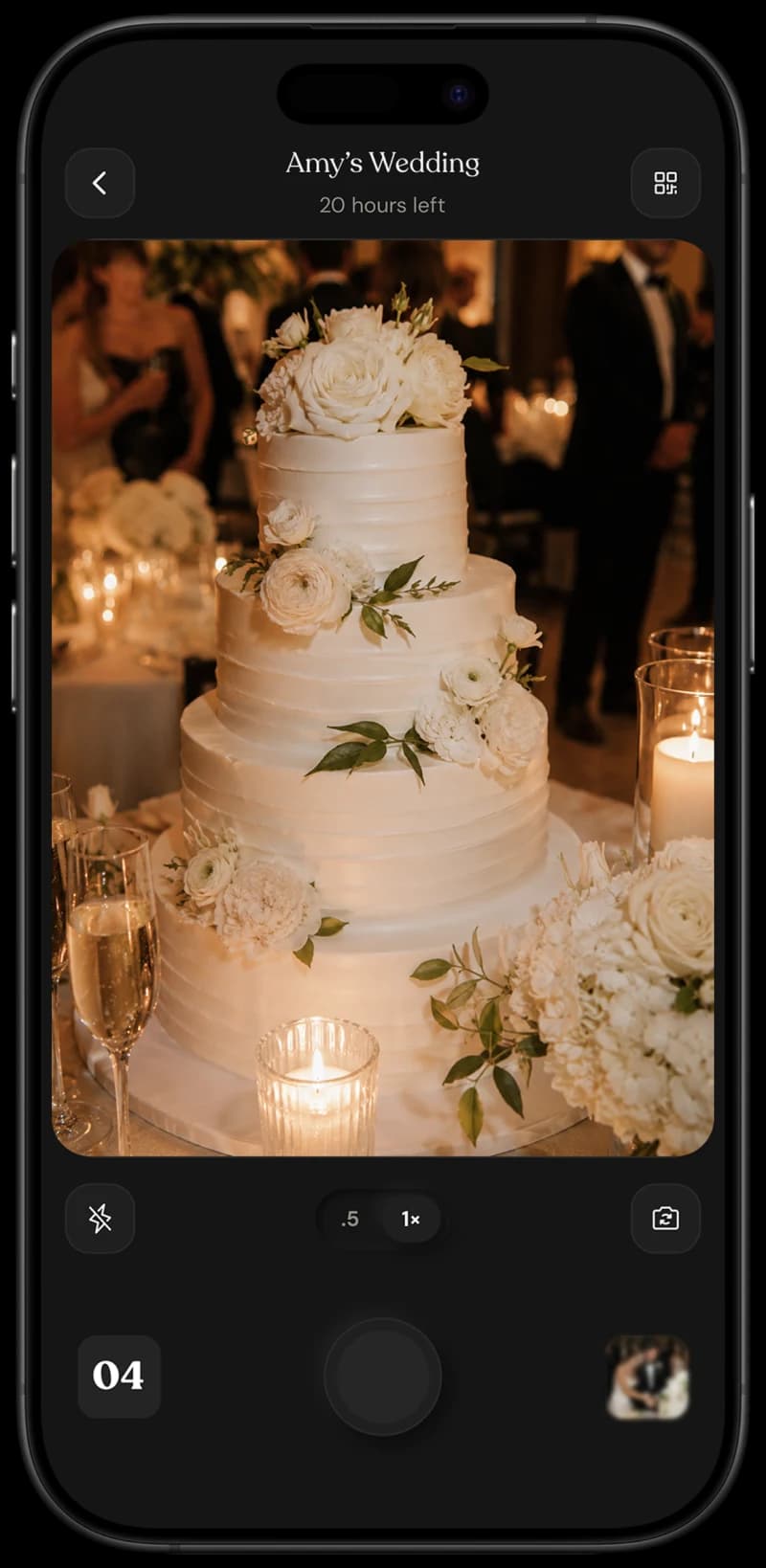
Kinto Capture Moments screen
03

Capture Moments

Guests scan, snap, and submit shots right from their browser — no app install, no friction, just moments captured in the moment.

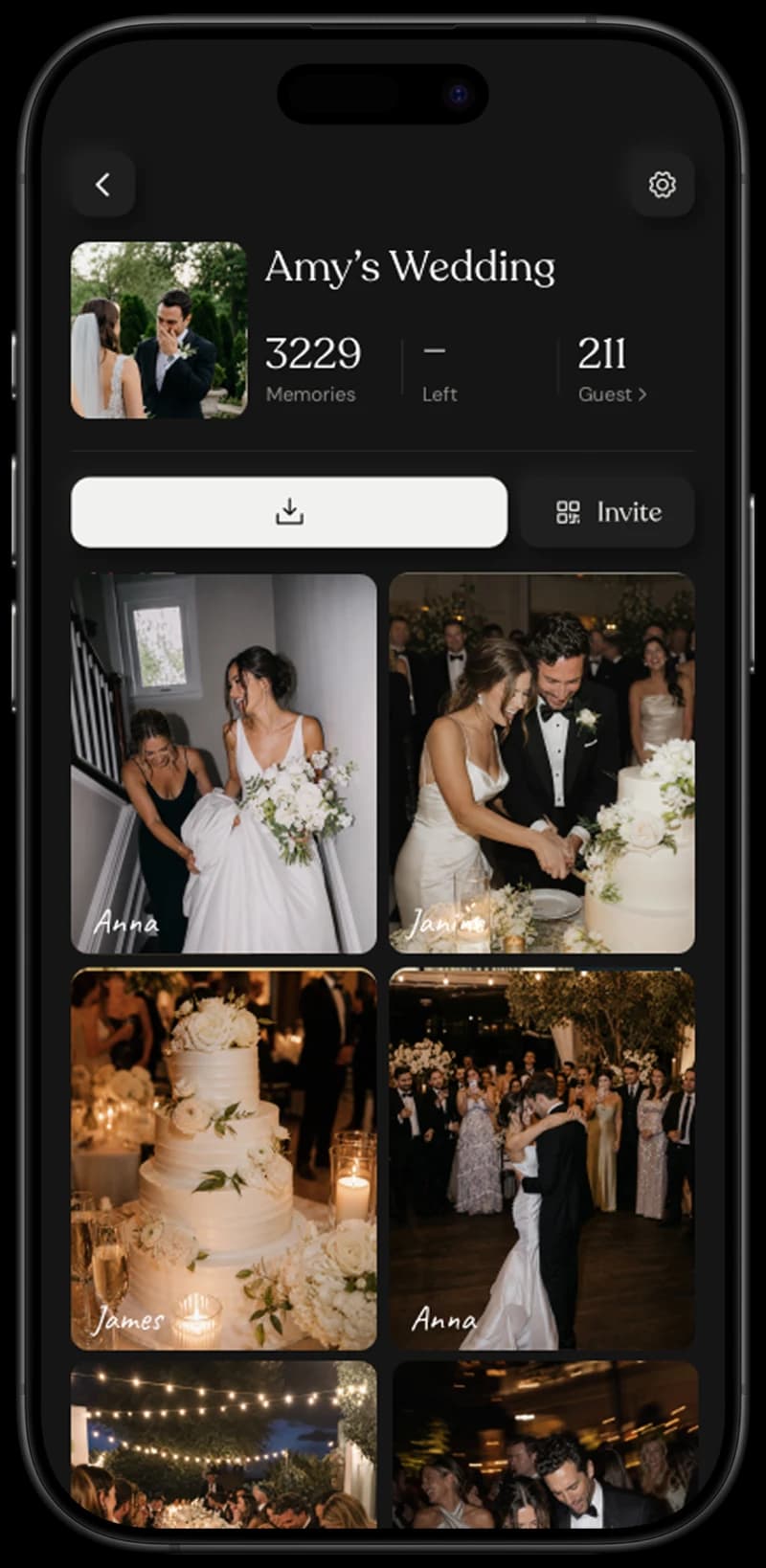
Kinto Reveal Together screen
04

Reveal Together

When the event ends, all photos reveal at once. Download, share, and relive the memories.

Keeps is built for real moments

Features designed to make capturing memories effortless
50K+photos shared
2,000+events captured
30K+guests contributing

In their words

Hear from the hosts and guests who turned one shared roll into the album everyone actually opens.

I thought I’d seen the wedding through my own eyes. When the reveal hit, there were 240 photos I was never in the room for — the bride’s dad crying during the speech rehearsal, the kids stealing cake before dinner. That’s the wedding I actually got to keep.

JM

James Moreno

Best Man

We didn’t want a stranger with a long lens in everyone’s face. So we sent a QR with the invites. Forty-eight people shot the day from the inside. The album landed in our inbox before our flight took off.

PS

Priya Sharma

Bride

The synced reveal at the end of the night does something a hired photographer can’t. The room goes quiet, then loud — everyone seeing themselves through everyone else’s lens at the same moment. It’s become the closing ritual at every wedding I run now.

EV

Elena Vasquez

Wedding Planner

Nine of us through Italy, nine camera rolls scattered across nine phones. Now there’s one. I open it and remember the trip the way it actually felt — not just my angle of it.

DC

David Chen

Travel Group Lead

I’d given up on group photo apps — every one needed a download nobody finished. With Keeps, my mum scanned a QR and started shooting. The 24-shot limit meant nobody was scrolling — everyone was looking up.

AO

Amara Osei

Birthday Host

Common questions

01

Do guests need to download an app?

No! Guests simply scan a QR code and can start taking photos instantly through their mobile browser. No app download, no sign-up required. It's completely frictionless.

02

How many photos can each guest take?

You decide! When creating your event, you can set the number of shots each guest gets. Popular choices are 10, 24, or 36 photos, just like a real disposable camera roll.

03

When do the photos get revealed?

Photos stay hidden until the reveal time you set. This could be at midnight, the end of your event, or any specific time. When the reveal happens, everyone sees all photos at once, creating a magical shared experience.

04

How do I download all the photos?

After the reveal, you can download all photos at once in their original quality. We also create a beautiful shareable album link that you can send to all your guests.

05

What happens if I run out of shots?

That's part of the magic! Limited shots make every photo intentional. But if you really need more, event hosts can top up guest shot counts anytime from the app.

06

Is my data safe?

Absolutely. All photos are encrypted and stored securely. Only you and your invited guests can access your event's photos. We never share or use your photos for anything else.

Ready to capture together?

Download Keeps and start creating shared memories at your next event.